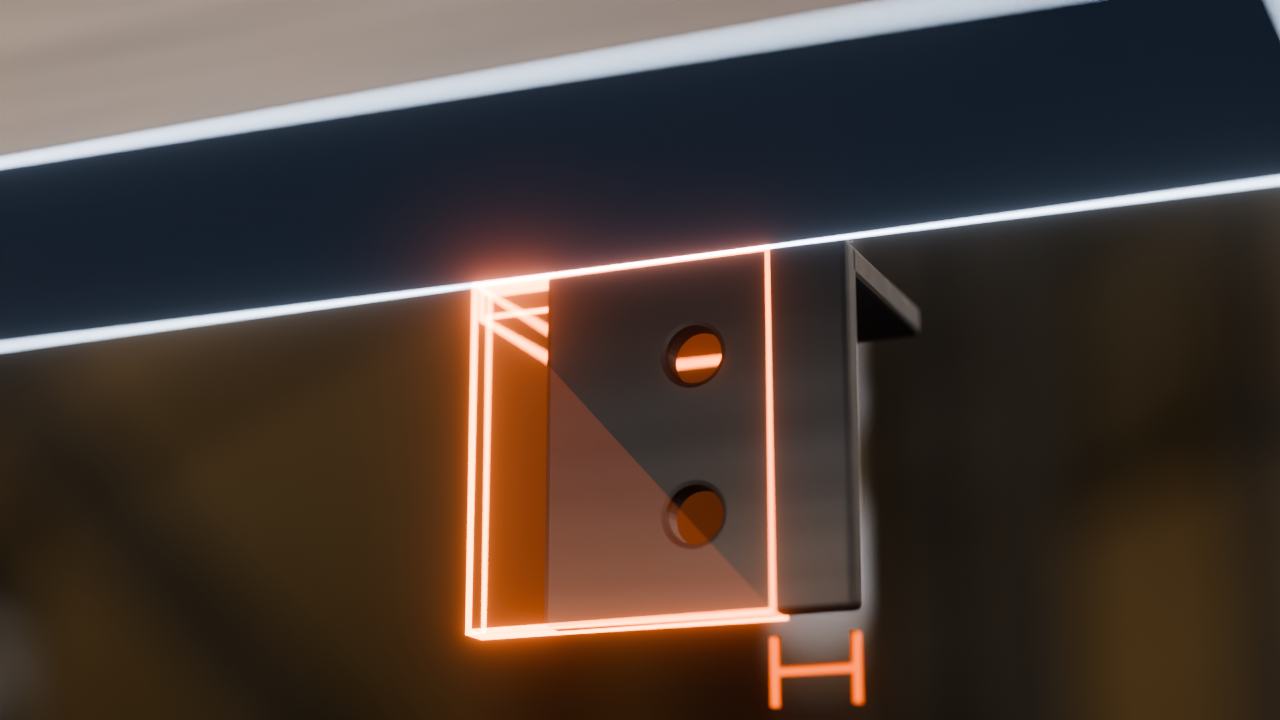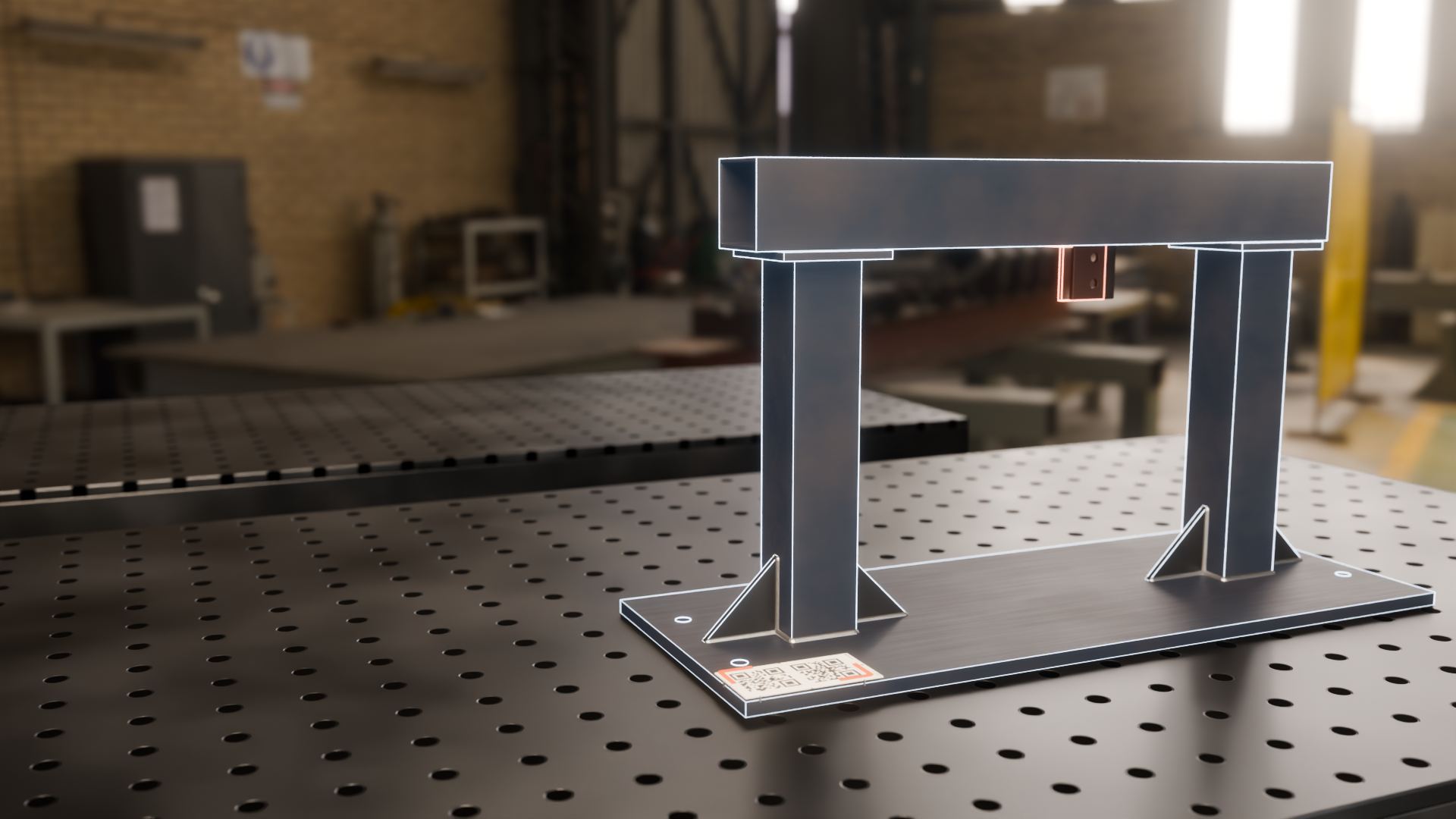
Less rework
A cleat in the wrong place is a quick fix in the bay and a field fix on site. Check each weldment against the model before it ships.
Augmented reality inspection for fabrication
Catch mistakes before they ship, not on site. DatumAR puts your CAD model over the steel at full size and highlights issues in real time - less rework, fewer site fixes and a record of every check.
Why it matters
A part that leaves the shop out of place comes back as rework on site, where every fix is slower and costs more. A national survey of Australian construction put the direct cost of rework at 6.4% of contract value, and the indirect cost at a further 5.9%.
Source: Love and Edwards, Civil Engineering and Environmental Systems, 2005
A cleat in the wrong place is a quick fix in the bay and a field fix on site. Check each weldment against the model before it ships.
No working through the drawing one dimension at a time. The whole model sits over the steel, so you check every part in one walk round.
See your model on the real part and answer the shop's questions there, not over a marked-up drawing.
Every part checked and every issue logged with a photo, kept with its unit. Know what was checked, what was flagged and what is still open.
What you see
The whole assembly, full sizeEvery part of the model sits over the steel you built.
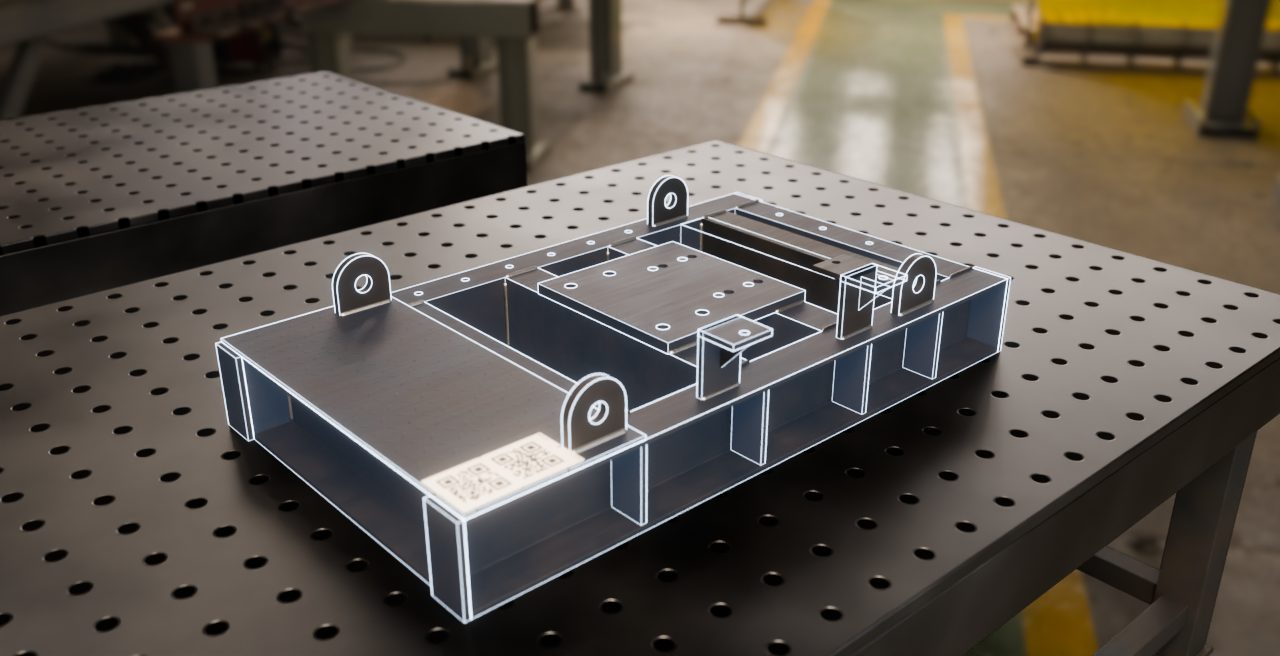
Placed in one lookOpen the job and the whole model is overlaid and ready to check.
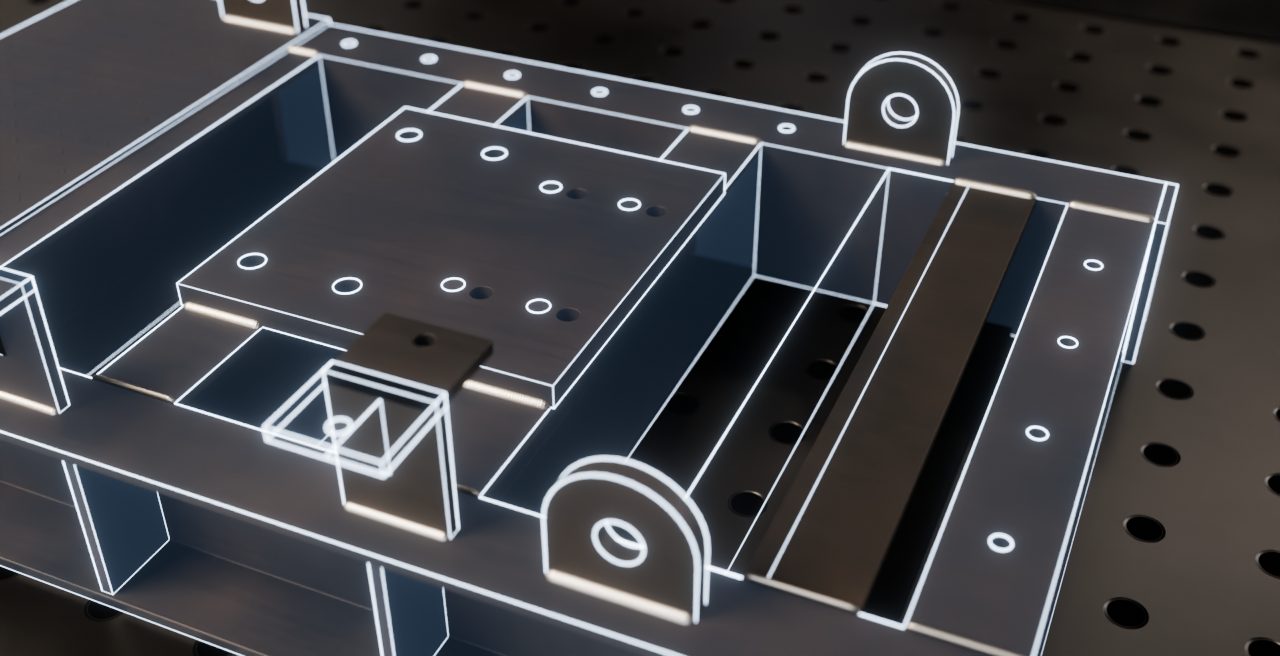
Off-design parts stand outDefects or missing items are immediately visible.
How it works
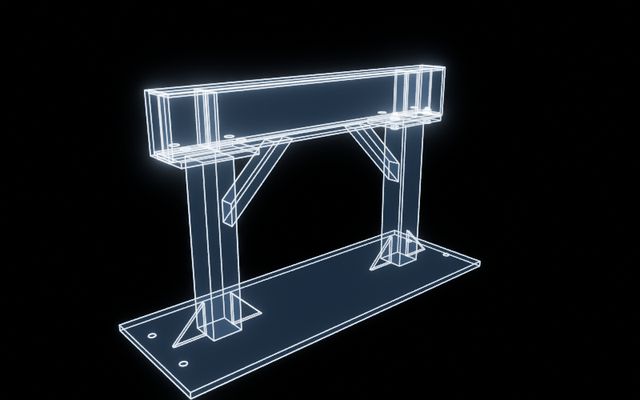
Add the CAD file you already have to a job. DatumAR gets it ready for the device.
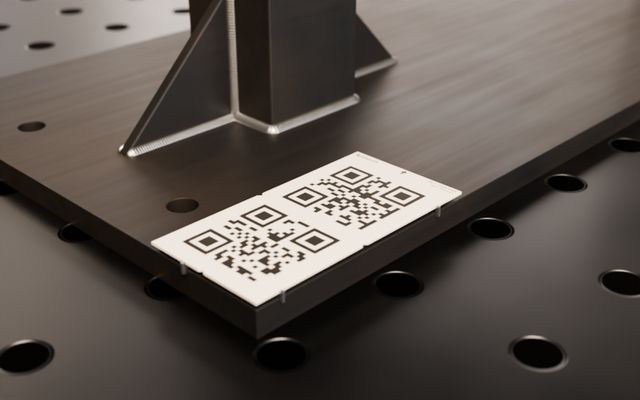
Set the small magnetic marker in a corner of the steel.
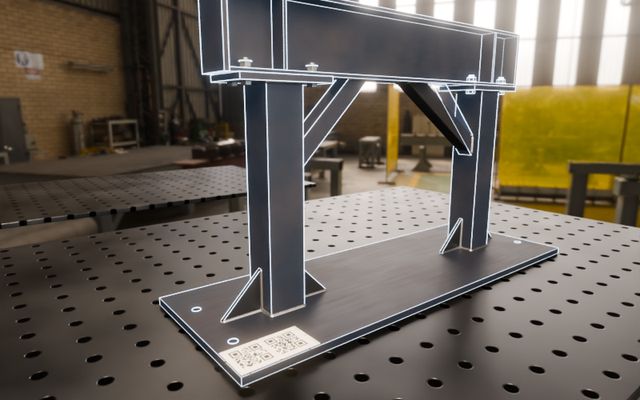
Open it on HoloLens 2 or iPad Pro and look at the marker. The model lands on the part, ready to nudge, pin and lock.
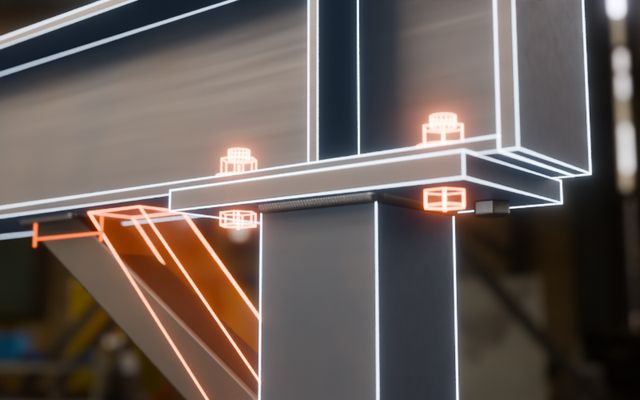
Inspect each part, raise issues with photos, and share a numbered visual inspection report.
STEP, IGES, IFC and DSTV go straight in, as they come out of your CAD, and your original file stays with the job.
Jobs keep each fabricated unit separate, so ten builds of one design get ten sets of checks and issues.
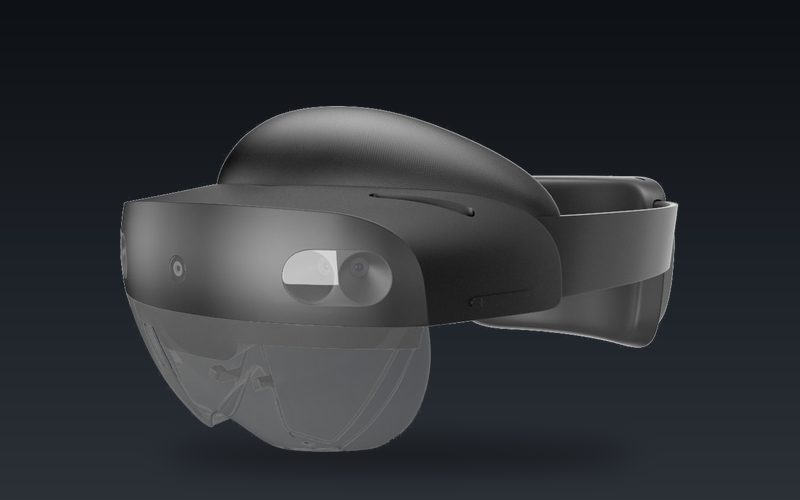 Headset
Hands free on the shop floor, with your phone as the remote.
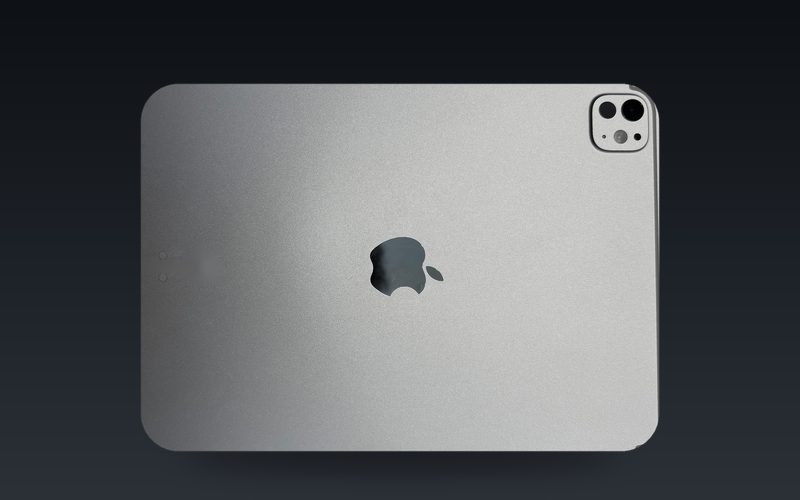 Tablet
The same jobs, setups and issues on a screen you can hand to anyone in the bay.
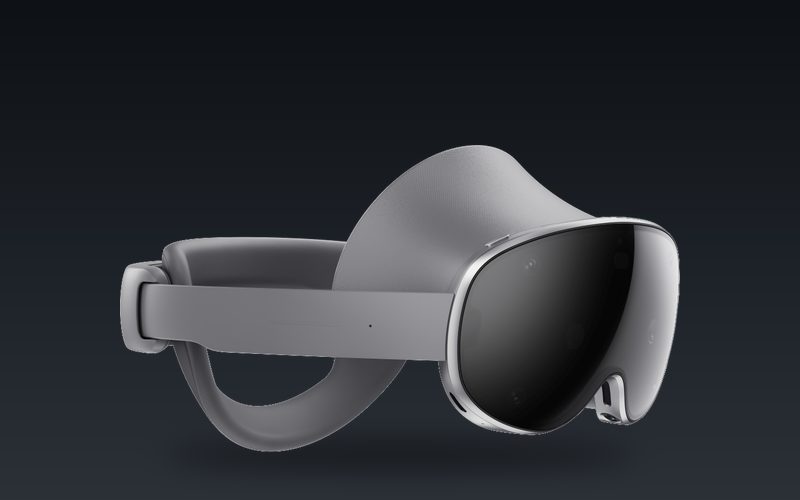 Next
Galaxy XR and AR glasses are next on the roadmap.
We're based in Perth, Western Australia, and we come to your shop for the demo. Send us one of your models and we'll put it on a real part with you.
Prefer email? Write to hello@datumar.com.au